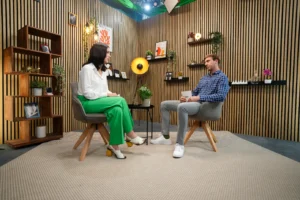
Going live has never been easier from a technical standpoint. One click, one camera, one platform—and the stream is up and running. The bigger challenge, however, begins right after that: How do you keep your audience engaged?
After all, a simple webcam broadcast is often no longer enough these days. Viewers expect intimacy, authenticity, and genuine content. At the same time, they are accustomed to the visual quality of TV programs, YouTube shows, webinars, and professional online events.
This is exactly where good livestream design comes into play. It ensures that a broadcast not only works but also looks high-quality. Professional stream graphics, overlays, and animations give a livestream structure, clarity, and brand recognition. They turn a simple live feed into a true brand experience.
As a livestream studio in Munich, we’ll show you seven graphic elements that can significantly enhance a professional broadcast.
1. The Perfect Start: Pre-Show Countdown
Hardly anyone is online at the exact moment a livestream begins. Some viewers arrive a few minutes early, while others don’t open the link until just before it starts. A pre-show countdown neatly captures this phase.
Instead of a blank screen or a makeshift placeholder slide, guests see a professionally designed opening graphic with a countdown timer. This provides context, builds anticipation, and immediately signals that a well-prepared program is about to begin.
A good countdown can also do more than just count down the time. It can showcase the company’s branding, announce the theme, play music, or provide brief reminders: When does it start? Is there a chat? Will the event be recorded? Do we need to check the sound or headphones?
This way, the wait doesn’t become a gap, but rather the first professional impression.
2. The Official Start: The Intro
The intro is the moment when “it’s about to start” becomes a real program.
A short, animated intro works much like the opening credits of a TV show. It sets the tone, provides a visual introduction to the topic, and gives the stream a clear starting point. This is particularly valuable for companies because it brings together their logo, colors, typography, and sound design all at once.
The important thing to remember is this: An intro doesn’t have to be long. On the contrary, a few seconds are often more than enough. What matters is that it looks high-quality, fits the brand, and provides a smooth transition from the countdown to the actual show.
This way, the livestream feels less like a video call and more like a professional production right from the start.
3. Clearly display names and roles: Captions
Who is speaking right now? What is this person’s role? And why is this person relevant to the topic?
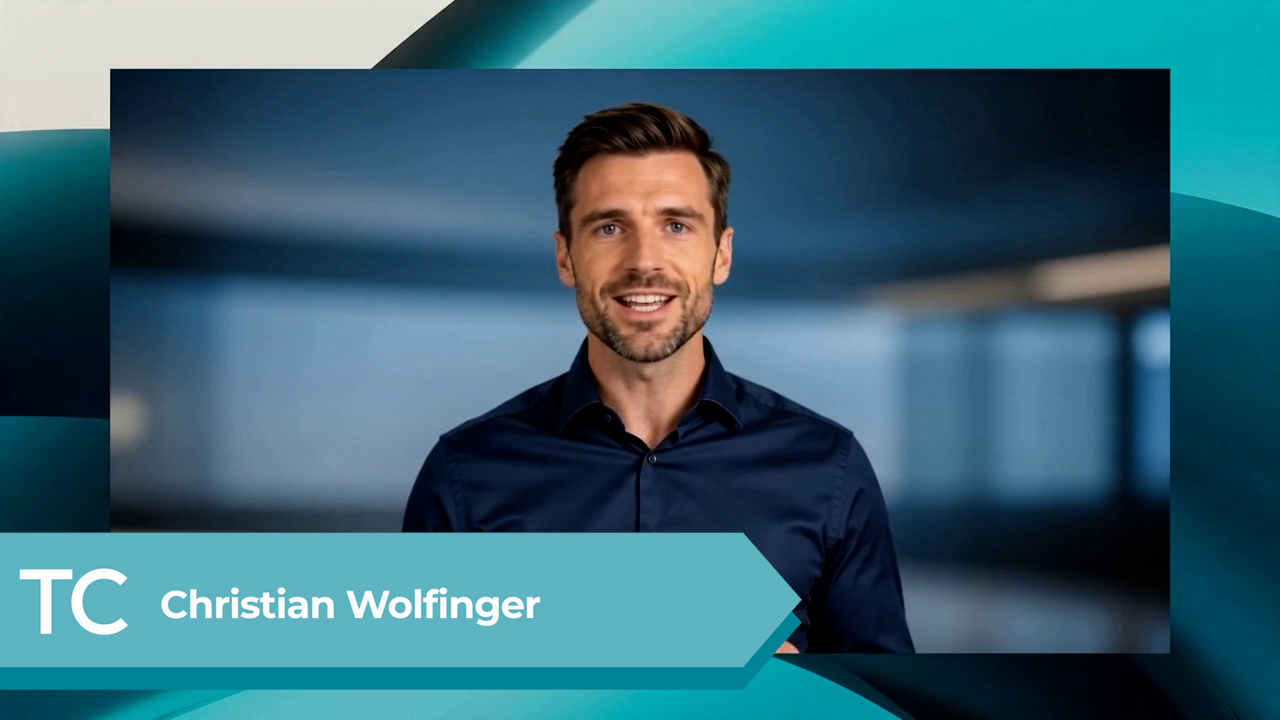
Viewers often ask themselves these questions within a matter of seconds—especially when they tune in late or when multiple people appear in the stream. On-screen captions, also known as lower thirds, answer exactly these questions.
They usually appear at the bottom of the screen and display the person’s name, position, company, or brief additional information. This makes the stream appear more organized and accessible right away.
A good banner isn’t just about having pretty animations. Above all, it must be legible. Clear typography, strong contrasts, and enough space around the edges of the image are crucial for ensuring that names and information display properly on laptops, tablets, and smartphones.
When used correctly, name tags help the audience find their way around more quickly and make the performers appear more professional.
4. Showing both the presentation and the person at the same time: Picture-in-Picture
Many livestreams rely on more than just the camera feed. Especially during webinars, product presentations, training sessions, or software demos, it’s often necessary to show slides, screen shares, or videos.
The problem: When the presentation is the only thing visible in full-screen mode, the personal connection is quickly lost. That’s exactly why Picture-in-Picture—or PiP for short—is so effective.
With this layout, the main source—such as a presentation or a screencast—remains large on the screen. In addition, the presenter’s camera feed is displayed in a smaller window. This allows viewers to see the content while keeping the speaker in view.
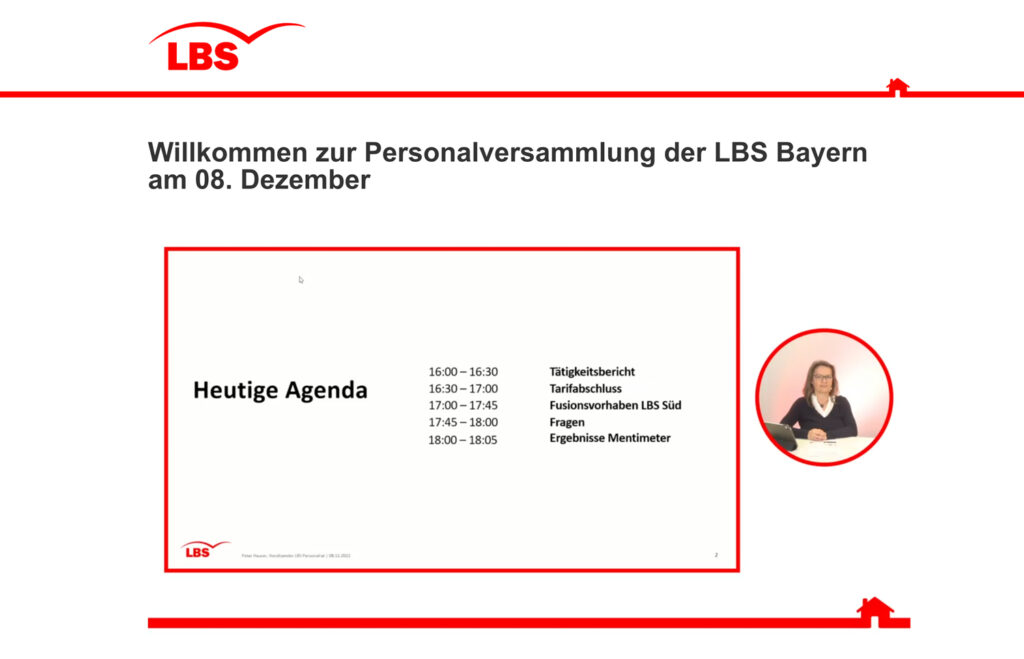
With a custom-designed overlay, this layout looks significantly more polished. Borders, colors, and graphic elements can be adapted to match the corporate design. The result: a more personal feel, better navigation, and a professional look.
As a webinar studio in Munich, we use these types of layouts regularly because they make complex content easier to understand and keep the stream more engaging.
5. Smooth Scene Transitions: Stinger Transitions
A livestream rarely consists of just one shot. Sometimes the camera is shown in full screen, sometimes a presentation, then a split screen, a video clip, or a Q&A session.
If these transitions are abrupt and unpolished, they can quickly come across as disjointed or improvised. Stinger transitions create a professional-looking transition here.
If these transitions are abrupt and unpolished, they can quickly come across as disjointed or improvised. Stinger transitions create a professional-looking transition here.
The effect is subtle but noticeable: the production feels smoother, more modern, and higher quality. Especially in brand streams, product showcases, or digital events, a well-executed transition can go a long way toward shaping the overall impression.
6. Professional Pauses: The “Please Wait” Screen
Even perfectly planned livestreams have breaks. Maybe a coffee break is scheduled. Maybe a speaker needs a moment. Maybe there’s a brief technical adjustment to be made in the background.
In moments like these, the stream shouldn’t just show an empty stage, a black screen, or random background noise. A professional “Please Wait” screen—often called a BRB screen—smoothly bridges this gap.
He informs the audience that the program will resume shortly and, ideally, can also specify exactly when: “We’ll be back at 11:30 a.m.” or “We’ll be back in a few minutes.”
This provides reassurance. Viewers know that the stream hasn’t been interrupted, and are more likely to stick with it. At the same time, the pause screen shows that the production has been carefully planned even outside of the actual program segments.
7. The Strong Finish: The Outro
A professional livestream doesn’t just end with a sudden click on “End Stream.”
The outro provides a clear conclusion to the show. It bids farewell to the audience, visually sums up the atmosphere one last time, and sets the stage for the most important next step.
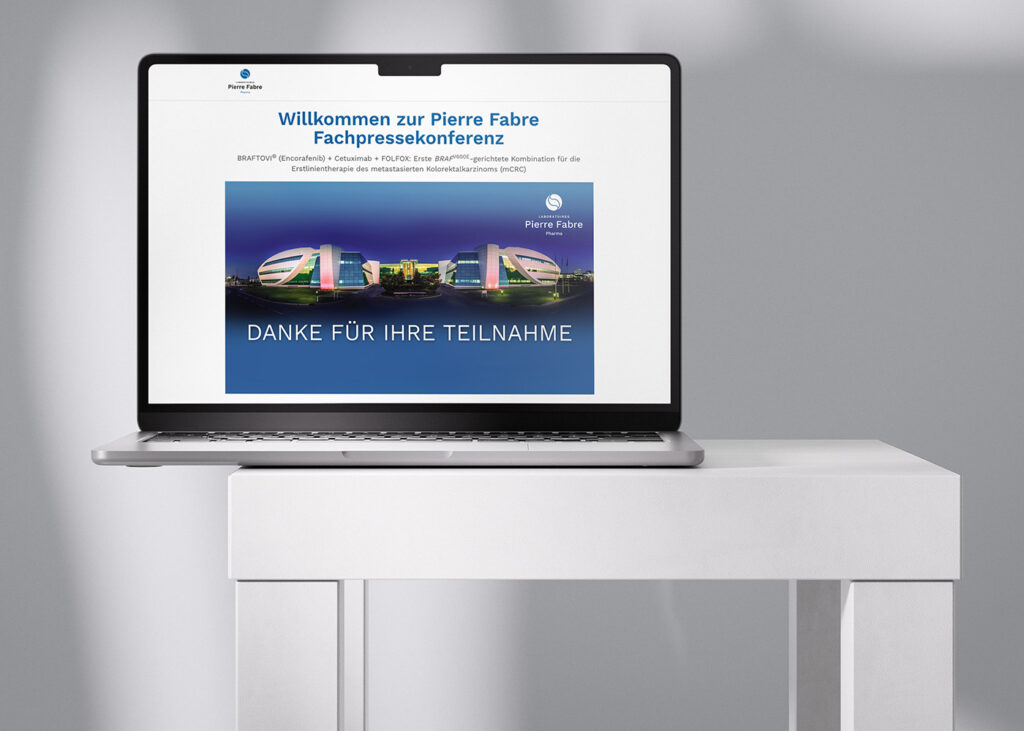
This could be a reference to the website, a link to the recording, a closing slide with a thank-you message, a mention of social media channels, or an invitation to the next event. This moment is especially valuable for companies because the audience’s attention is still focused on them.
A good outro brings the stream to a smooth close and ensures that the brand is remembered professionally even after the final segment.
Good livestream design is more than just decoration
Professional graphics aren’t just a nice extra. They give a livestream structure, help viewers find their way around, and make the entire broadcast look more polished.
Countdowns, intros, on-screen text, picture-in-picture layouts, transitions, break screens, and outros should, ideally, flow seamlessly into one another. This creates a cohesive visual concept that aligns with the brand from the first frame to the last.
Of course, the content remains the most important part of any broadcast. But the visual setting often determines whether a stream comes across as a casual video call—or as a professional digital format.
Here at Livestream Studio, we help companies highlight exactly this difference. As an experienced livestream and webinar studio in Munich, we develop broadcast-ready designs, overlays, and graphics that align with your brand, your format, and your audience.
If you’d like to take your next broadcast to a professional level—both visually and technically—feel free to email us at hello@livestream-studio.com or call us right away at 089 41 41 453 22.